


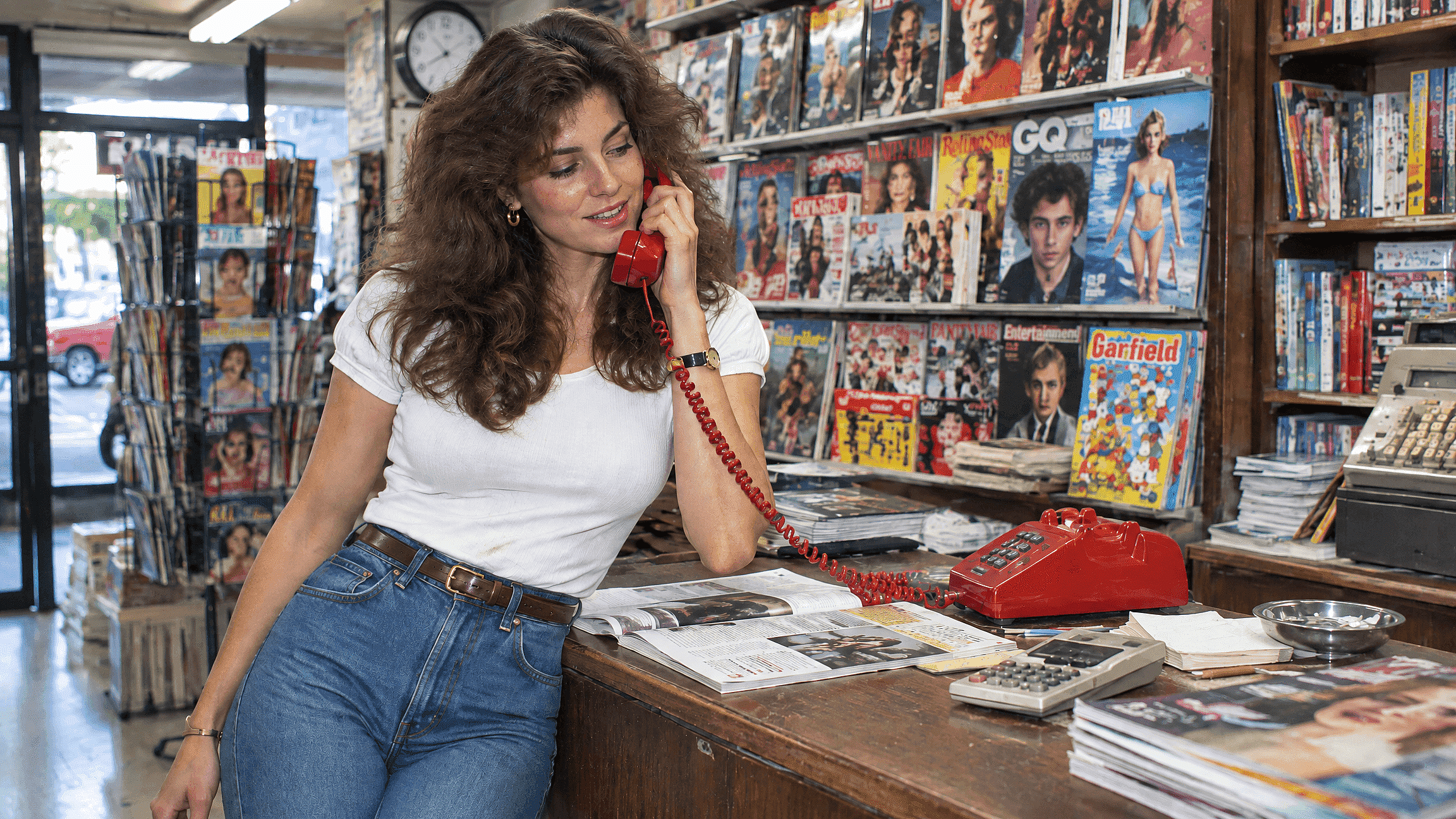
Add a 1980s Filter to Your Photos
Transform your modern photos with a nostalgic 1980s filter. Relive the vibrant colors, outfits, and retro vibes of the 80s for free online.
 Add an image Or drag and drop here · JPEG, PNG, WEBP
 Why Use the 1980s Filter
Vintage Aesthetics
Perfect for creating artwork with a nostalgic, 80s vibe, adding a timeless charm to your AI image designs.
Marketing Campaigns
Ideal for brands looking to evoke nostalgia and connect with audiences through retro-themed advertisements.
Film and Media
Great for producing visuals that require an authentic 1980s look, enhancing period-specific storytelling.
Graphic Design
Useful for designers aiming to incorporate retro elements into modern projects, blending old and new styles.
Social Media Content
Engages followers with unique, throwback visuals that stand out in a sea of contemporary content.
Character Consistency
OpenArt runs this through image-editing models built specifically to hold a face steady through a heavy style change.
How to Create an 80s Photo in OpenArt 1.
From your photo to a finished 80s portrait in three steps.
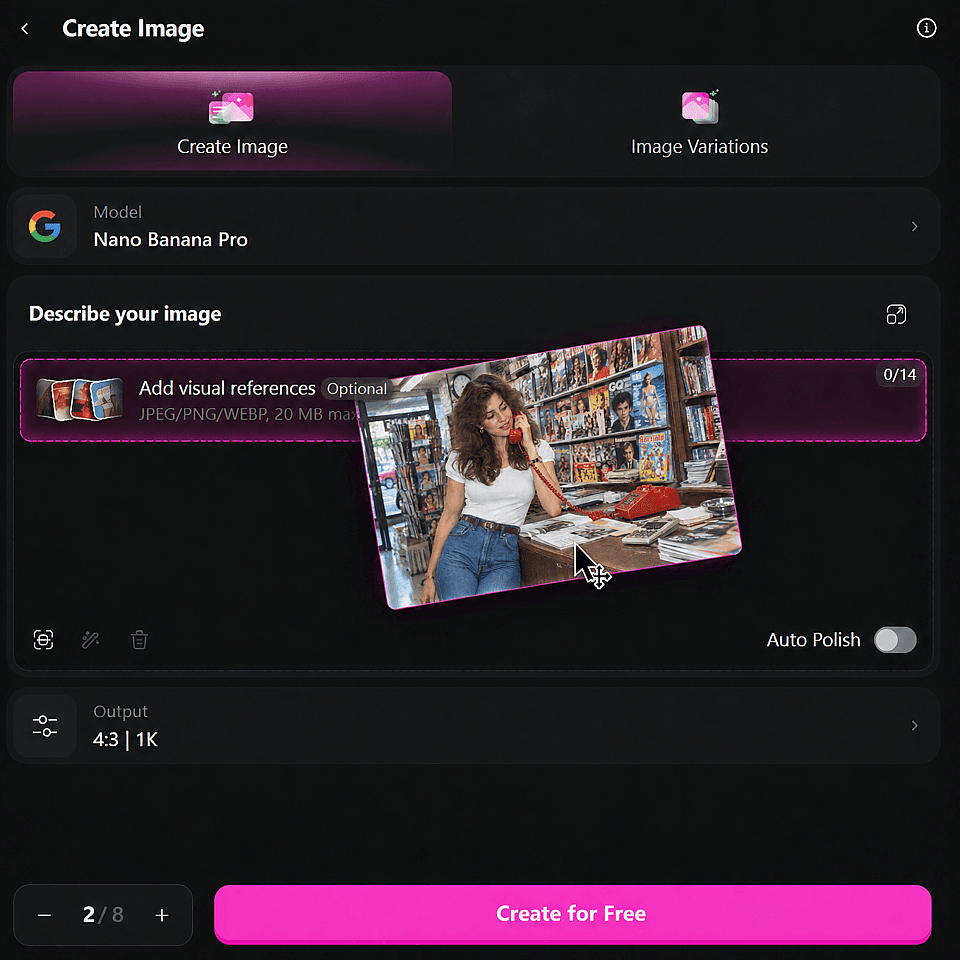
Upload Your Photo
Drag and drop your image into the designated area. This initiates the upload process.
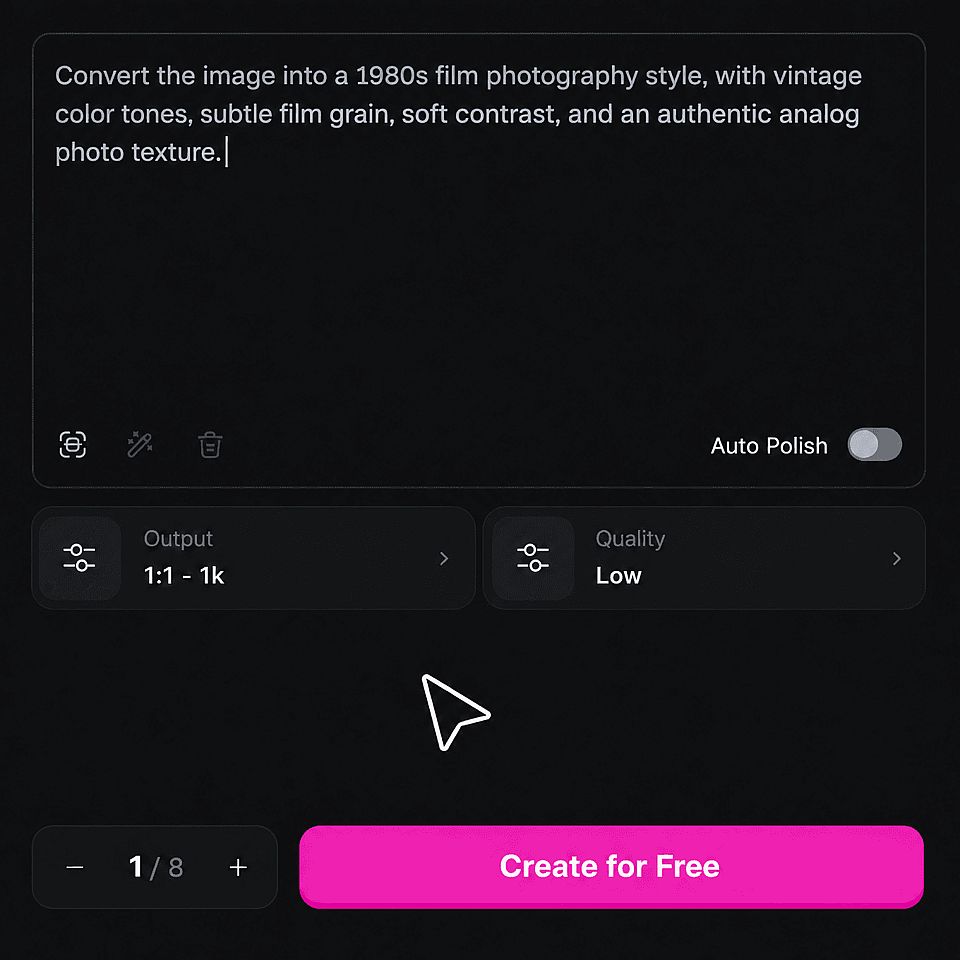
Prompt Your 1980s Style
Describe the 1980 style and adjust the creativity level to your preference. This sets the tone for your final image.
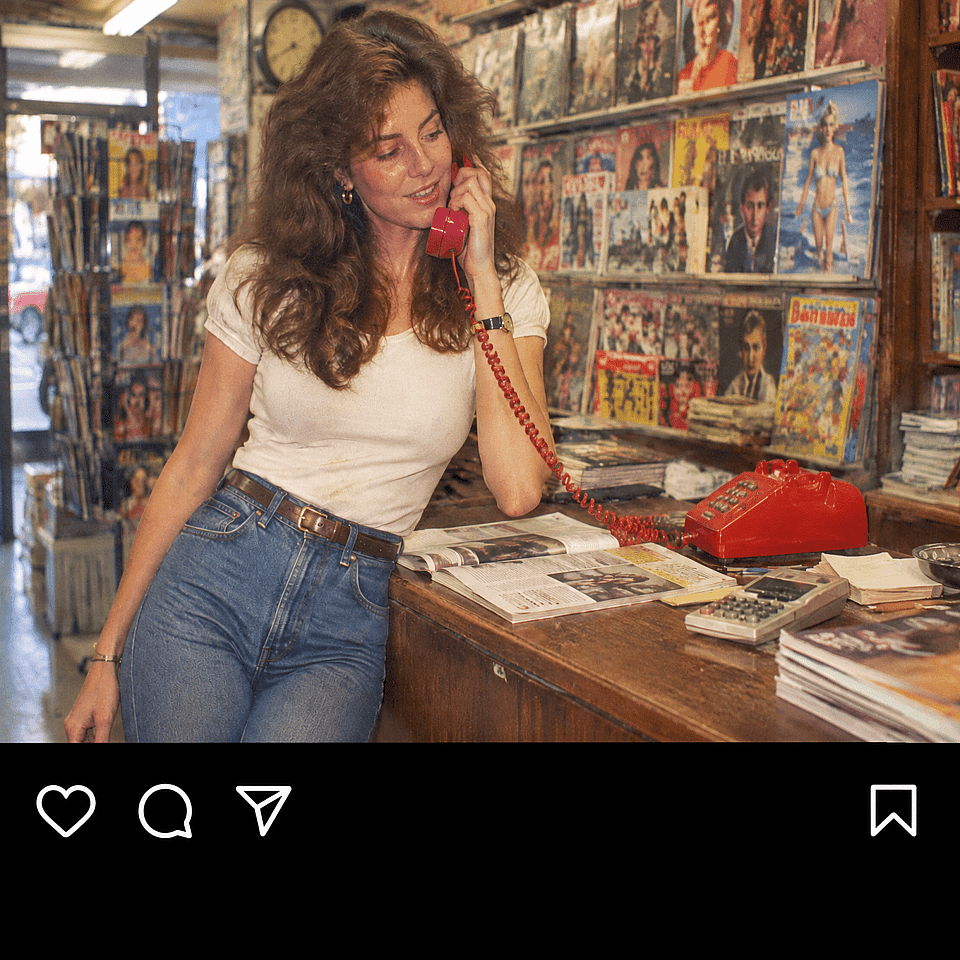
Generate Your Image
Decide on the number of generations you want. Click "Create" and wait a few seconds for your edited image to be ready.
What People Are Using the 1980s Filter For
Perfect for any use case, our AI image generator delivers stunning results.
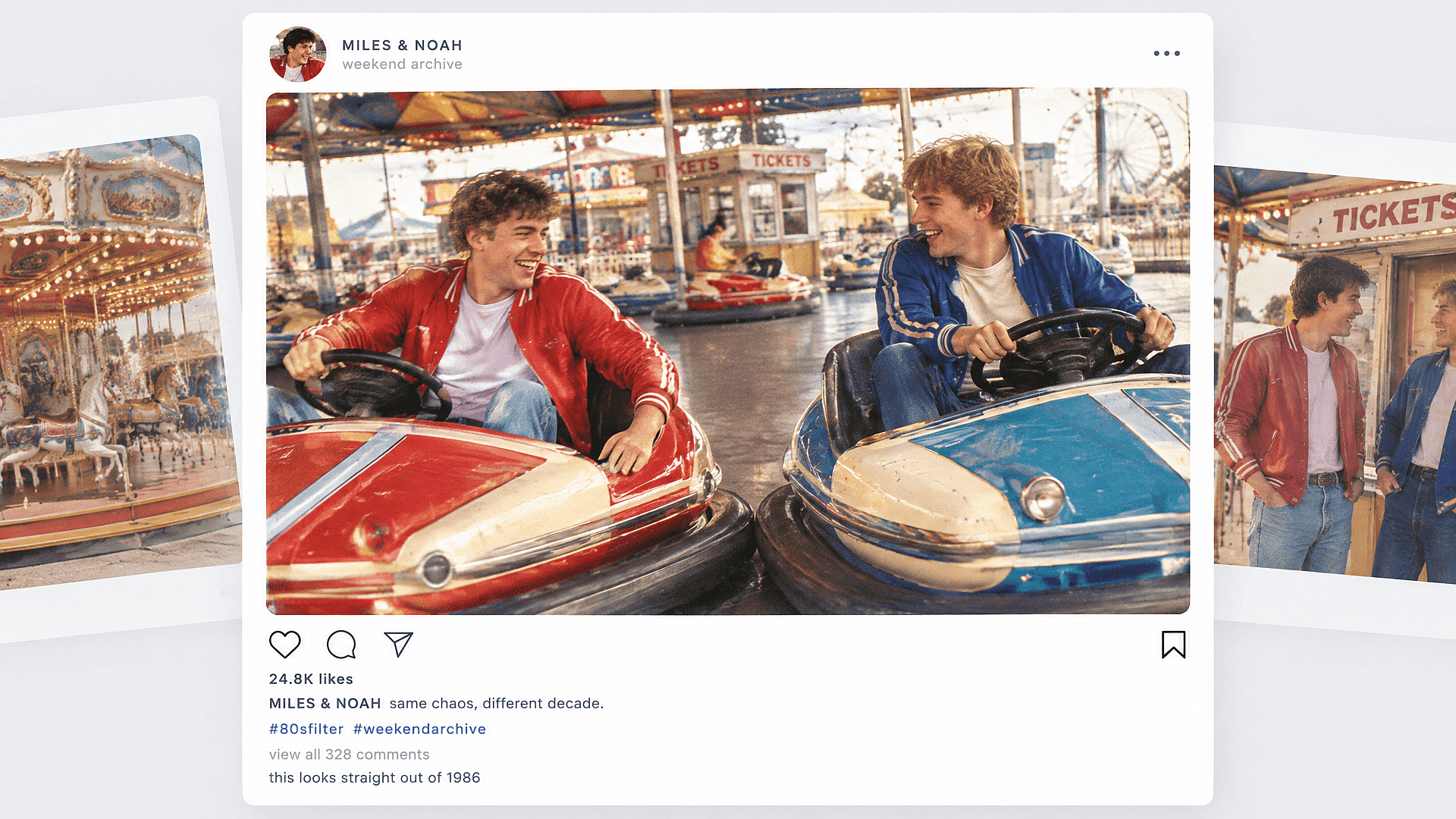
Retro Social Media Posts
Transform your photos with a 1980s filter to create eye-catching, nostalgic social media posts that stand out in your followers' feeds.
Try it Now
Vintage Photo Restorations
Transform your modern photos into nostalgic masterpieces with our 1980s filter, perfect for vintage photo restorations that bring the charm of the past to life.
Try it Now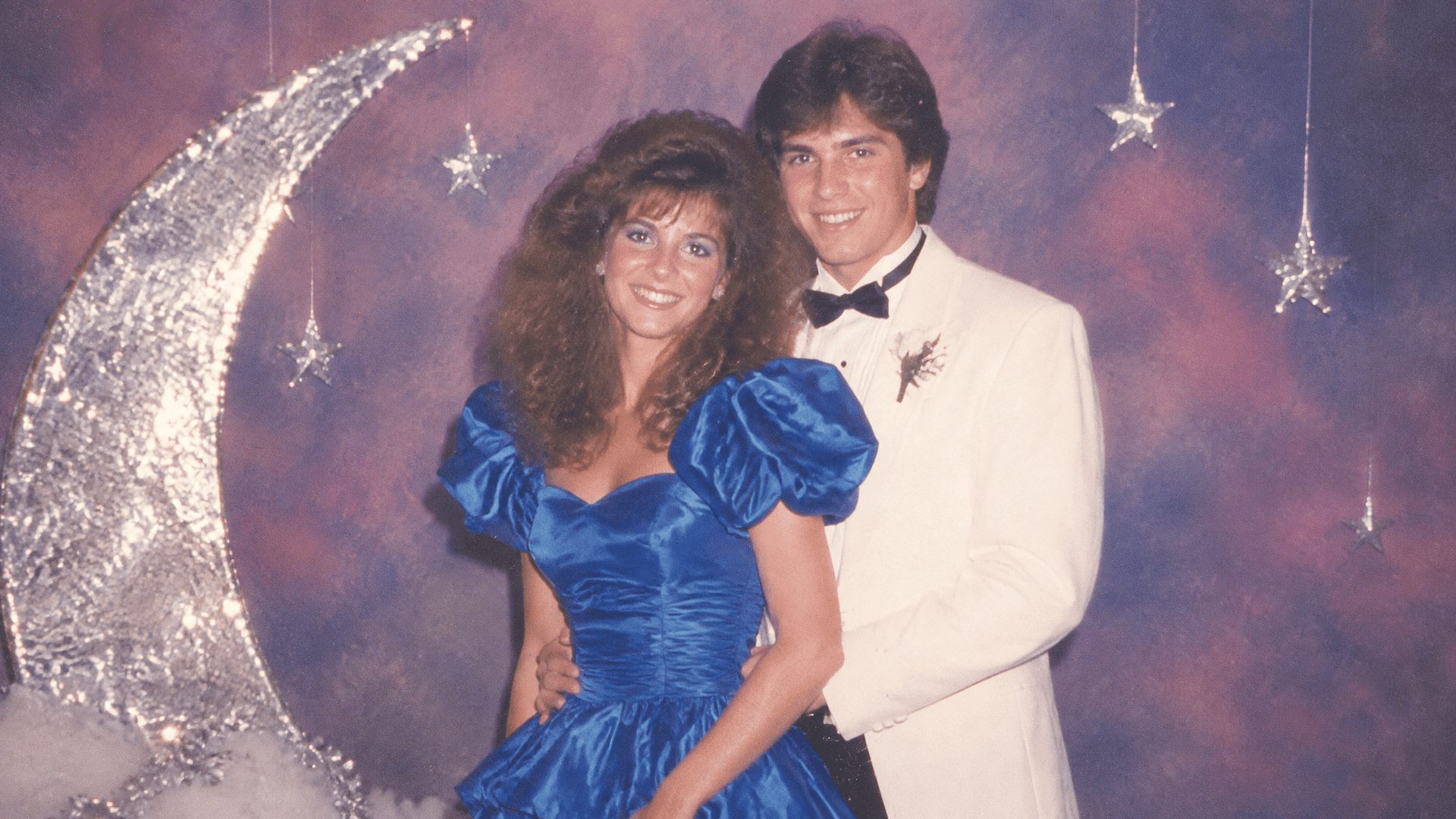
Yearbook and Prom Recreations
Recreating a specific yearbook or prom photo style with today's photo, using the mall glamour or yearbook prompts above.
Try it Now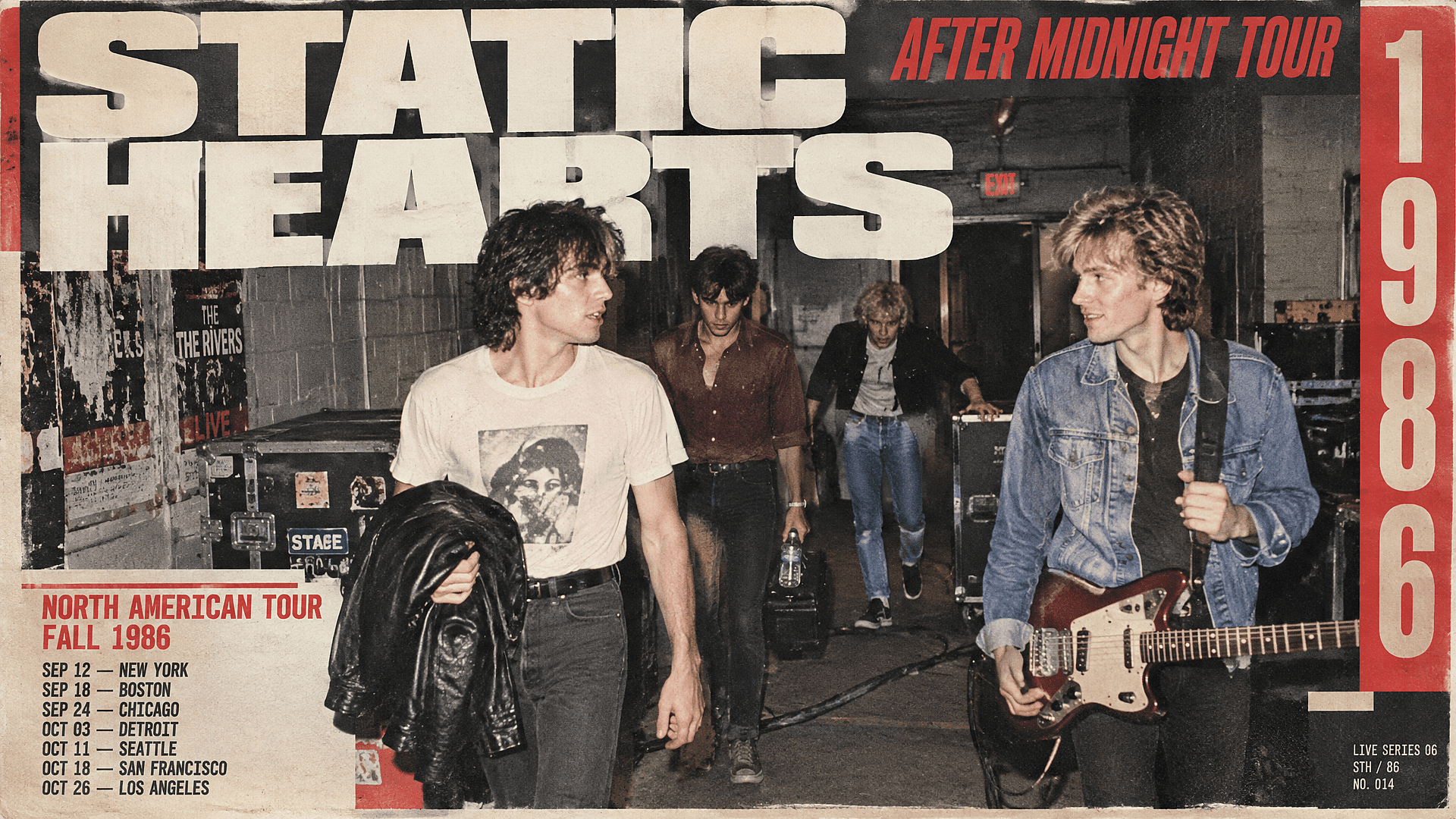
Album Art and Posters
Musicians and designers building an 80s-styled cover or poster can start from a real photo instead of a stock image, using the rock band prompt as a base and adjusting lighting and backdrop from there.
Try it NowFrequently Asked Questions
Get Insights from Experts Blog
Get the insights you need. Our experts share actionable hacks, break down the hottest topics, and provide essential how-to guides to help you build, optimize, and scale.
Read More
